Vilros Raspberry Pi 4 Network Wide Ad Blocking Kit

Vilros Raspberry Pi 4 Network Wide Ad Blocking Kit

5 star rating See What 4 Happy Customers Said About Their Purchase
SKU: VR4B2GBPHK001
Free Shipping

30-Day Easy Returns
Secure Checkout Guaranteed
Free Shipping in USA
30-Day Easy Returns
Secure Checkout Guaranteed
Free Shipping in USA
30-Day Easy Returns
Secure Checkout Guaranteed
Free Shipping in USA
30-Day Easy Returns
Secure Checkout Guaranteed
Free Shipping in USA
30-Day Easy Returns
Secure Checkout Guaranteed
Free Shipping in USA
30-Day Easy Returns
Secure Checkout Guaranteed
Free Shipping in USA
30-Day Easy Returns
Secure Checkout Guaranteed
Free Shipping in USA
30-Day Easy Returns
Secure Checkout Guaranteed
Free Shipping in USA
30-Day Easy Returns
Secure Checkout Guaranteed
Free Shipping in USA
30-Day Easy Returns
Secure Checkout Guaranteed
Free Shipping in USA
30-Day Easy Returns
Secure Checkout Guaranteed
Free Shipping in USA
View full details

Block ads on your home network using Raspberry Pi and Pi-hole.

Take control of your internet experience with the Raspberry Pi 4 Ad Blocking kit, a solution for setting up a network-wide ad blocker using your Raspberry Pi. Whether you're tired of intrusive ads, looking to improve browsing speed, or want to protect your devices from unwanted trackers, this kit gives you the tools to do it all.

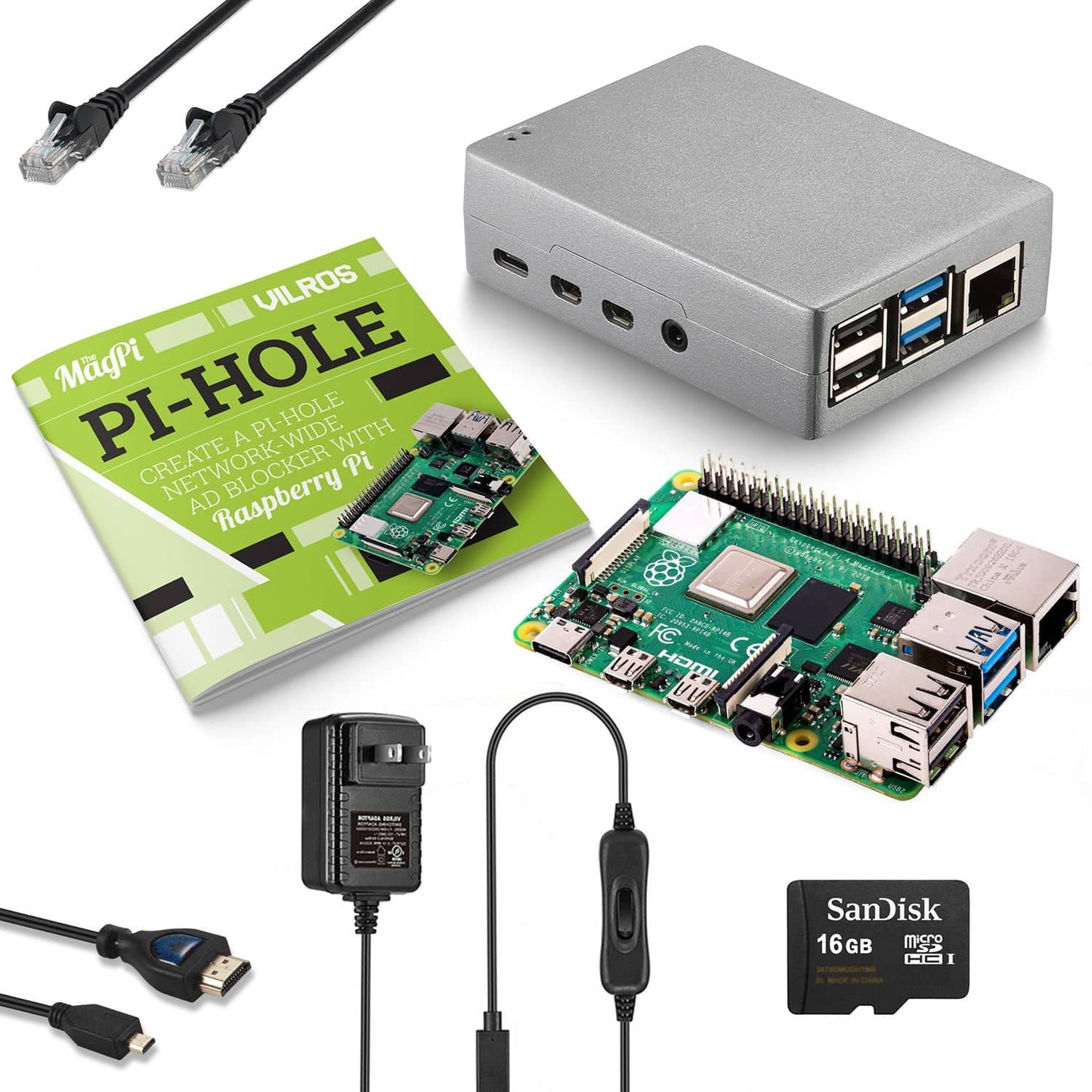
We've collaborated with experts from the Raspberry Pi foundation to create a manual that makes it easy to set up your ad blocking system. Simply install the Raspberry Pi board into the case, insert the SD card, turn your system on, and follow the instructions in the manual.

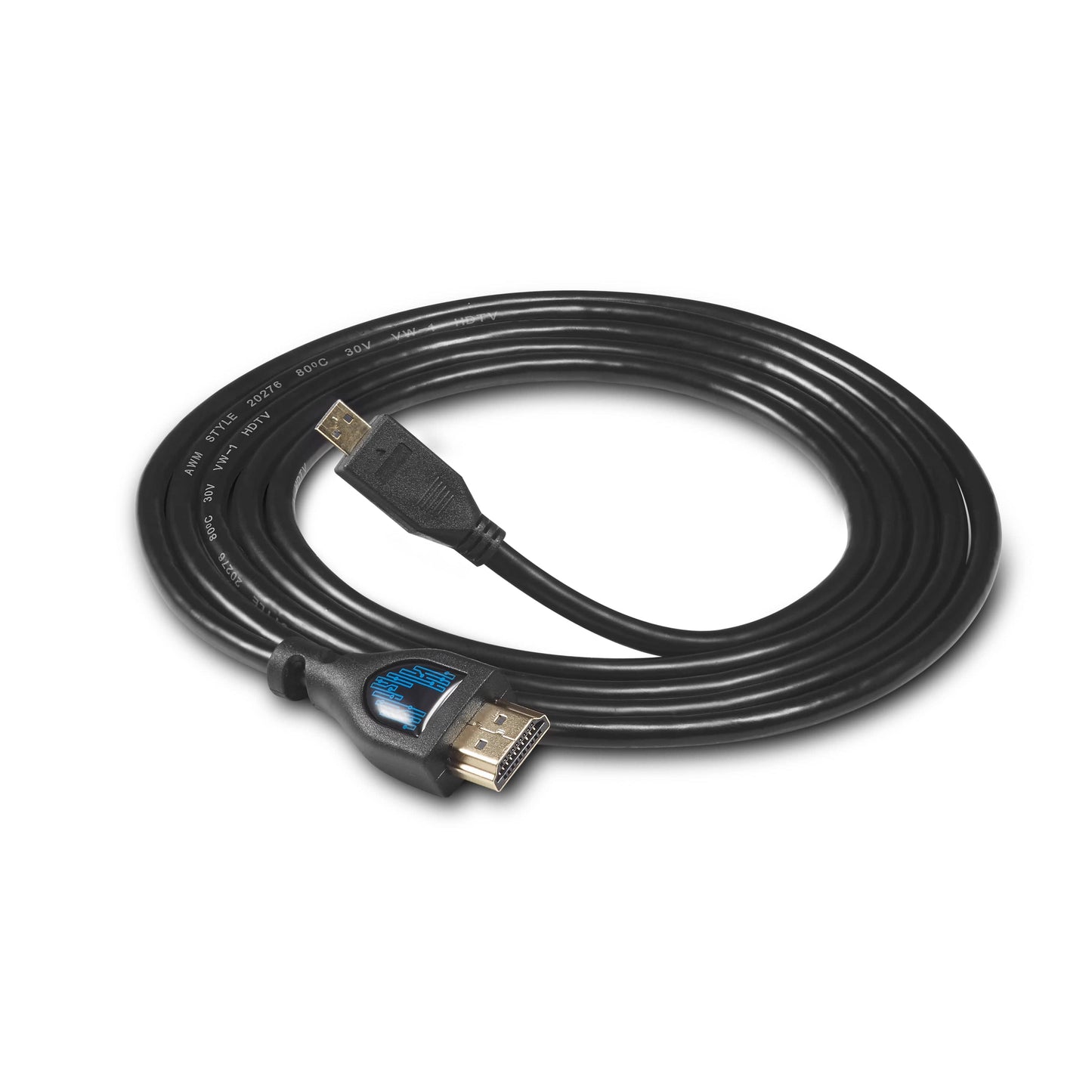
Kit Includes:

Your kit may also include heatsinks depending on the case selection (make selection to see the main image of the kit showing all included items).

Learn More About Pi-hole: https://www.raspberrypi.com/tutorials/running-pi-hole-on-a-raspberry-pi/

IMPORTANT: A keyboard, mouse & monitor are required for initial setup.

    Raspberry Pi 4 Board Specifications

    • Processor: Broadcom BCM2711, quad-core Cortex-A72 (ARM v8) 64-bit SoC @ 1.5GHz
    • Memory: Available with 1GB, 2GB, 4GB, or 8GB of LPDDR4-3200 SDRAM
    • Connectivity: 2.4 GHz and 5.0 GHz IEEE 802.11b/g/n/ac wireless LAN, Bluetooth 5.0, BLE Gigabit Ethernet, 2x USB 3.0 ports, 2x USB 2.0 ports.
    • GPIO: Standard 40-pin GPIO header (fully backward-compatible with previous boards)
    • Video & Sound: 2x micro HDMI ports (up to 4Kp60 supported), 2-lane MIPI DSI display port, 2-lane MIPI CSI camera port, 4-pole stereo audio and composite video port
    • Multimedia: H.265 (4Kp60 decode); H.264 (1080p60 decode, 1080p30 encode); OpenGL ES, 3.0 graphics
    • SD Card Support: Micro SD card slot for loading operating system and data storage
    • Input power: 5V DC via USB-C connector (minimum 3A1), 5V DC via GPIO header (minimum 3A1), power over Ethernet (PoE)–enabled (requires separate PoE HAT)
    • Environment: Operating temperature 0–50ºC
    Description

    Block ads on your home network using Raspberry Pi and Pi-hole.

    Take control of your internet experience with the Raspberry Pi 4 Ad Blocking kit, a solution for setting up a network-wide ad blocker using your Raspberry Pi. Whether you're tired of intrusive ads, looking to improve browsing speed, or want to protect your devices from unwanted trackers, this kit gives you the tools to do it all.

    We've collaborated with experts from the Raspberry Pi foundation to create a manual that makes it easy to set up your ad blocking system. Simply install the Raspberry Pi board into the case, insert the SD card, turn your system on, and follow the instructions in the manual.

    Kit Includes:

    Your kit may also include heatsinks depending on the case selection (make selection to see the main image of the kit showing all included items).

    Learn More About Pi-hole: https://www.raspberrypi.com/tutorials/running-pi-hole-on-a-raspberry-pi/

    IMPORTANT: A keyboard, mouse & monitor are required for initial setup.

      Board Specification

      Raspberry Pi 4 Board Specifications

      • Processor: Broadcom BCM2711, quad-core Cortex-A72 (ARM v8) 64-bit SoC @ 1.5GHz
      • Memory: Available with 1GB, 2GB, 4GB, or 8GB of LPDDR4-3200 SDRAM
      • Connectivity: 2.4 GHz and 5.0 GHz IEEE 802.11b/g/n/ac wireless LAN, Bluetooth 5.0, BLE Gigabit Ethernet, 2x USB 3.0 ports, 2x USB 2.0 ports.
      • GPIO: Standard 40-pin GPIO header (fully backward-compatible with previous boards)
      • Video & Sound: 2x micro HDMI ports (up to 4Kp60 supported), 2-lane MIPI DSI display port, 2-lane MIPI CSI camera port, 4-pole stereo audio and composite video port
      • Multimedia: H.265 (4Kp60 decode); H.264 (1080p60 decode, 1080p30 encode); OpenGL ES, 3.0 graphics
      • SD Card Support: Micro SD card slot for loading operating system and data storage
      • Input power: 5V DC via USB-C connector (minimum 3A1), 5V DC via GPIO header (minimum 3A1), power over Ethernet (PoE)–enabled (requires separate PoE HAT)
      • Environment: Operating temperature 0–50ºC