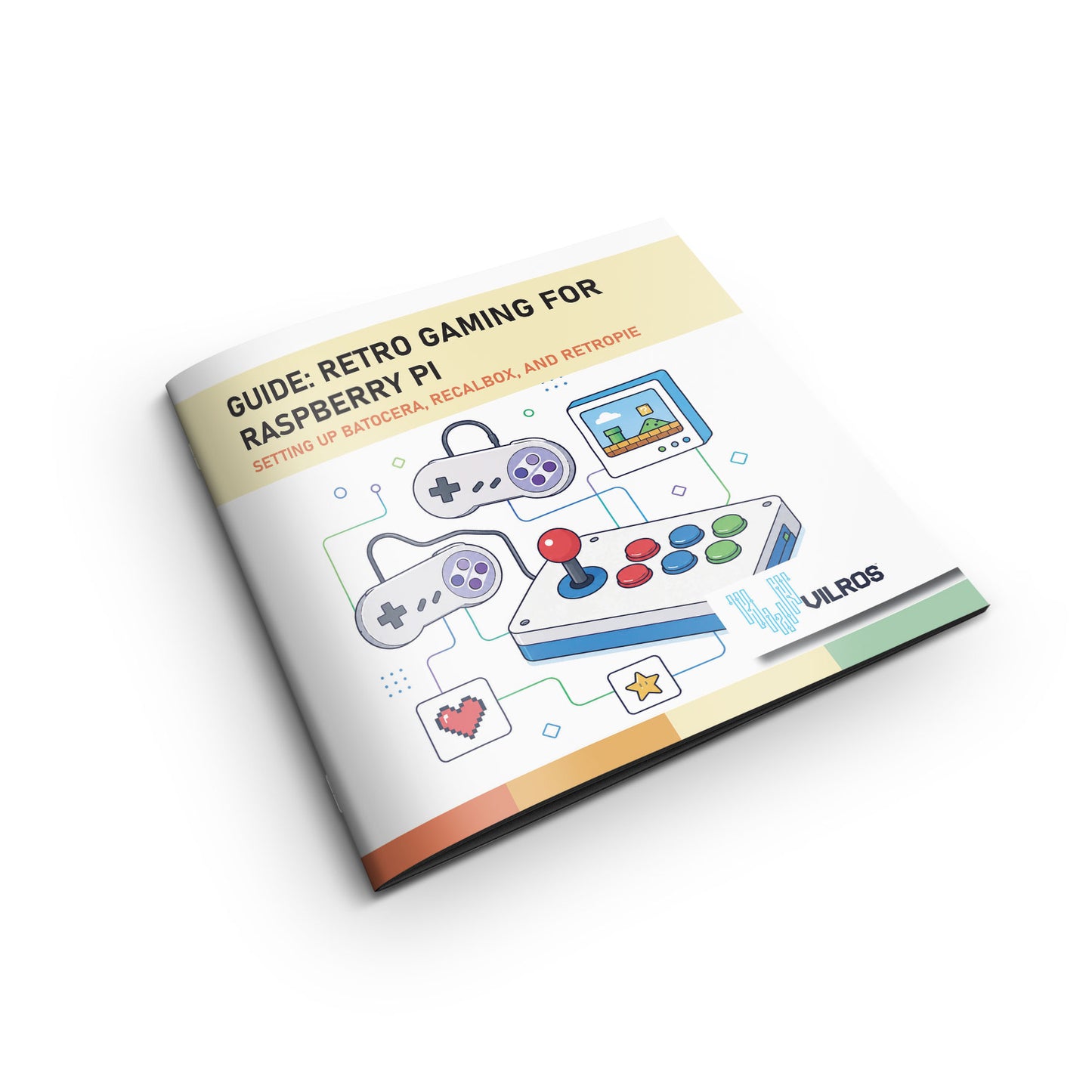
Guide - Retro Gaming for Raspberry Pi
Guide - Retro Gaming for Raspberry Pi
 See What Our Customers Said About Their Purchase
Free Shipping
This guide shows you how to use a Raspberry Pi to run three different kinds of emulators so you can get back to your gaming roots. Learn how to install and configure Batocera, Recalbox, and RetroPie.
 30-Day Easy Returns
 Secure Checkout Guaranteed
 Free Shipping in USA
30-Day Easy Returns
Secure Checkout Guaranteed
Free Shipping in USA
30-Day Easy Returns
Secure Checkout Guaranteed
Free Shipping in USA
30-Day Easy Returns
Secure Checkout Guaranteed
Free Shipping in USA
30-Day Easy Returns
Secure Checkout Guaranteed
Free Shipping in USA
30-Day Easy Returns
Secure Checkout Guaranteed
Free Shipping in USA
30-Day Easy Returns
Secure Checkout Guaranteed
Free Shipping in USA
30-Day Easy Returns
Secure Checkout Guaranteed
Free Shipping in USA
30-Day Easy Returns
Secure Checkout Guaranteed
Free Shipping in USA
30-Day Easy Returns
Secure Checkout Guaranteed
Free Shipping in USA
30-Day Easy Returns
Secure Checkout Guaranteed
Free Shipping in USA
Free Shipping in USA
30-Day Easy Returns
Secure Checkout Guaranteed
Free Shipping in USA
30-Day Easy Returns
Secure Checkout Guaranteed
Free Shipping in USA
30-Day Easy Returns
Secure Checkout Guaranteed
Free Shipping in USA
30-Day Easy Returns
Secure Checkout Guaranteed
Free Shipping in USA
30-Day Easy Returns
Secure Checkout Guaranteed
Free Shipping in USA
30-Day Easy Returns
Secure Checkout Guaranteed
Free Shipping in USA
30-Day Easy Returns
Secure Checkout Guaranteed
Free Shipping in USA
30-Day Easy Returns
Secure Checkout Guaranteed
Free Shipping in USA
30-Day Easy Returns
Secure Checkout Guaranteed
Free Shipping in USA
30-Day Easy Returns
Secure Checkout Guaranteed
Free Shipping in USA