
Vilros Quickstart Guide For Raspberry Pi 4th Edition
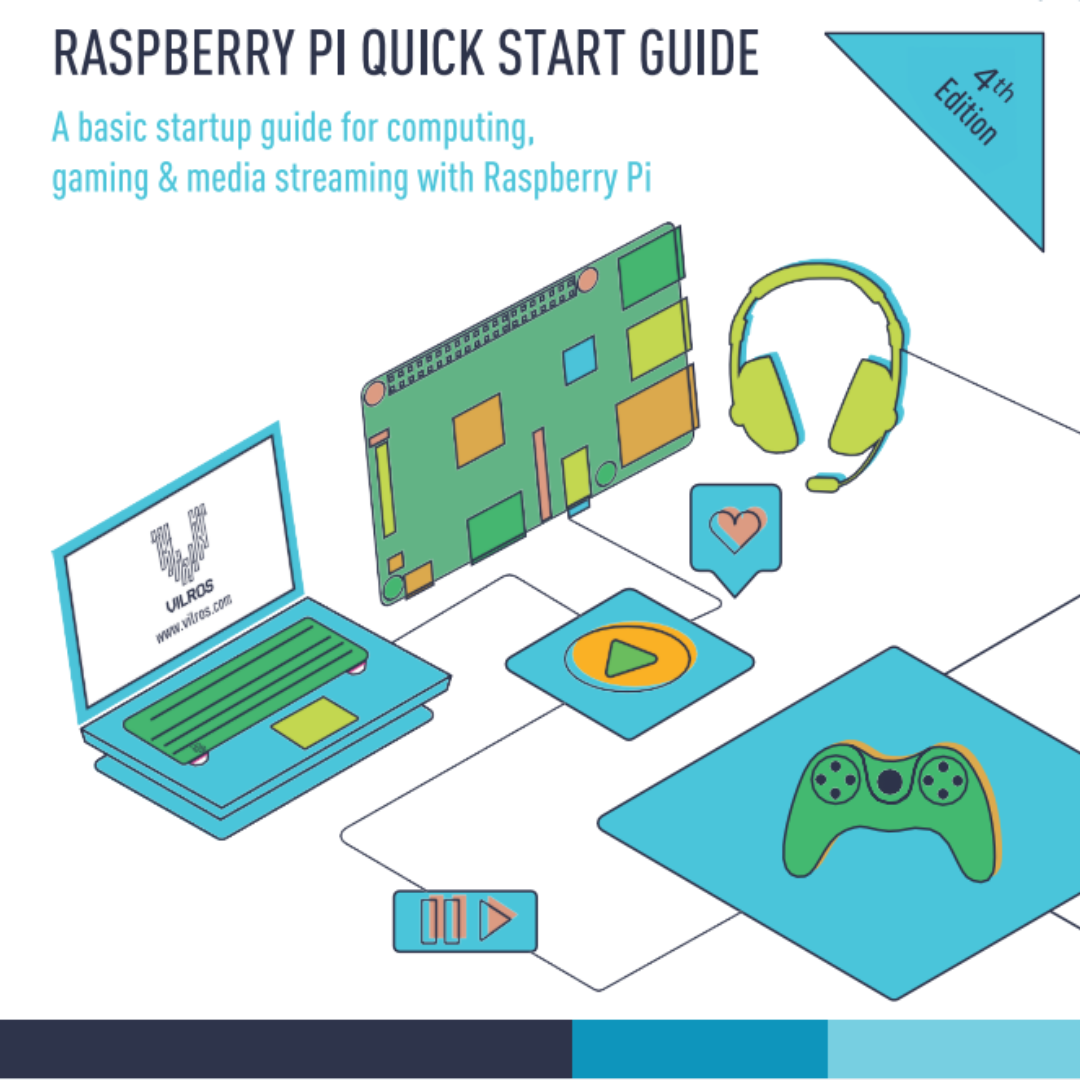
Vilros Quickstart Guide For Raspberry Pi 4th Edition
$6.99
30-day returns
·Authorized Raspberry Pi reseller
Tap once to add to cart, then pick your wallet.
In Stock
Order now to receive it in 4 business days
SKU: VILP303
Table of contents:
CHAPTER 1 – Introducing Raspberry Pi
1.1 INTRODUCTION
1.2 TECHNICAL SPECIFICATIONS
1.3 BASIC SETUP
1.4 SD Cards
CHAPTER 2 – Operating Systems For Raspberry Pi
2.1 RASPBERRY Pi OPERATING SYSTEM
2.2 SD CARD
2.3 HOW TO FLASH SD CARD IMAGE
CHAPTER 3 - Raspberry Pi OS
3.1 Basic Setup
3.2 What is Raspberry Pi OS?
3.3 Flashing Raspberry Pi OS
3.4 Raspberry Pi OS’s desktop environment
3.5 Restarting and shutting down the Raspberry Pi
CHAPTER 4. Retro Gaming
4.1 Introduction
4.2 Creating SD image for RetroPie
CHAPTER 5. Building a Media Center
5.1 Introduction
5.2 How to flash LibreELEC on an SD card
5.3 Install Raspberry System
5.4 LibraELEC setup
5.5 OMSC setup
5.6 Remote controls
6.0 Appendix
6.1 GPIO (Pin) Map
SKU:
VILP303
UPC:
810043446778
Warranty & Support
Products manufactured by Vilros are covered by a one-year limited warranty against manufacturing defects from the date of purchase.
Raspberry Pi products are covered by a one-year manufacturer's warranty (link).
Arduino products are covered by a one-year manufacturer's warranty (link).
What’s Covered
- Manufacturing defects in included hardware components
- Power supply and accessory functionality issues
- Missing or damaged items upon delivery
- Technical support for setup and starter guidance
Customer Support
If you believe your product is defective, please submit a warranty claim through the RMA process: https://vilros.com/a/service/returns
After reviewing the claim, Vilros may:
- Provide a replacement product, or
- Issue a refund where appropriate
Beginner-Friendly Confidence
Whether you're learning programming, building electronics projects, creating retro gaming systems, or experimenting with home automation, our support team is here to answer your questions and support your projects!
Description
Table of contents:
CHAPTER 1 – Introducing Raspberry Pi
1.1 INTRODUCTION
1.2 TECHNICAL SPECIFICATIONS
1.3 BASIC SETUP
1.4 SD Cards
CHAPTER 2 – Operating Systems For Raspberry Pi
2.1 RASPBERRY Pi OPERATING SYSTEM
2.2 SD CARD
2.3 HOW TO FLASH SD CARD IMAGE
CHAPTER 3 - Raspberry Pi OS
3.1 Basic Setup
3.2 What is Raspberry Pi OS?
3.3 Flashing Raspberry Pi OS
3.4 Raspberry Pi OS’s desktop environment
3.5 Restarting and shutting down the Raspberry Pi
CHAPTER 4. Retro Gaming
4.1 Introduction
4.2 Creating SD image for RetroPie
CHAPTER 5. Building a Media Center
5.1 Introduction
5.2 How to flash LibreELEC on an SD card
5.3 Install Raspberry System
5.4 LibraELEC setup
5.5 OMSC setup
5.6 Remote controls
6.0 Appendix
6.1 GPIO (Pin) Map
SKU:
VILP303
UPC:
810043446778
Warranty
Warranty & Support
Products manufactured by Vilros are covered by a one-year limited warranty against manufacturing defects from the date of purchase.
Raspberry Pi products are covered by a one-year manufacturer's warranty (link).
Arduino products are covered by a one-year manufacturer's warranty (link).
What’s Covered
- Manufacturing defects in included hardware components
- Power supply and accessory functionality issues
- Missing or damaged items upon delivery
- Technical support for setup and starter guidance
Customer Support
If you believe your product is defective, please submit a warranty claim through the RMA process: https://vilros.com/a/service/returns
After reviewing the claim, Vilros may:
- Provide a replacement product, or
- Issue a refund where appropriate
Beginner-Friendly Confidence
Whether you're learning programming, building electronics projects, creating retro gaming systems, or experimenting with home automation, our support team is here to answer your questions and support your projects!
Guides & tutorials
See all →-
 Project · Raspberry Pi
Raspberry Pi Piano
Build a working piano keyboard using Raspberry Pi GPIO pins, push buttons, and Python to play musical notes.
Intermediate · 90 minutes
-
 Project · Raspberry Pi
Build Your Own Robot with Raspberry Pi
Create a cardboard robot with LED antenna and sound effects using Raspberry Pi, perfect for kids and beginners.
Beginner · 45–60 minutes
-
 Project · Raspberry Pi
Wii Remote Digital Graffiti
Create digital graffiti art using a Wii remote and Raspberry Pi with motion tracking and drawing capabilities.
Advanced · 60 minutes
-
 Project · Raspberry Pi
Build-A-Band with Raspberry Pi
Create your own virtual band using Raspberry Pi, Scratch 3, and sprite-based music programming.
Beginner · 30–45 minutes
-
 Project · Raspberry Pi
Whoo-Pi Cushion with Raspberry Pi
Build a high-tech whoopee cushion prank using Raspberry Pi, GPIO, and custom sound effects.
Beginner · 60 minutes
-
 Project · Raspberry Pi
9 Things to Do After Buying a Raspberry Pi
Essential setup and configuration steps for new Raspberry Pi owners, from OS installation to first projects.
Beginner · 60–90 minutes


