
Guide - Retro Gaming for Raspberry Pi
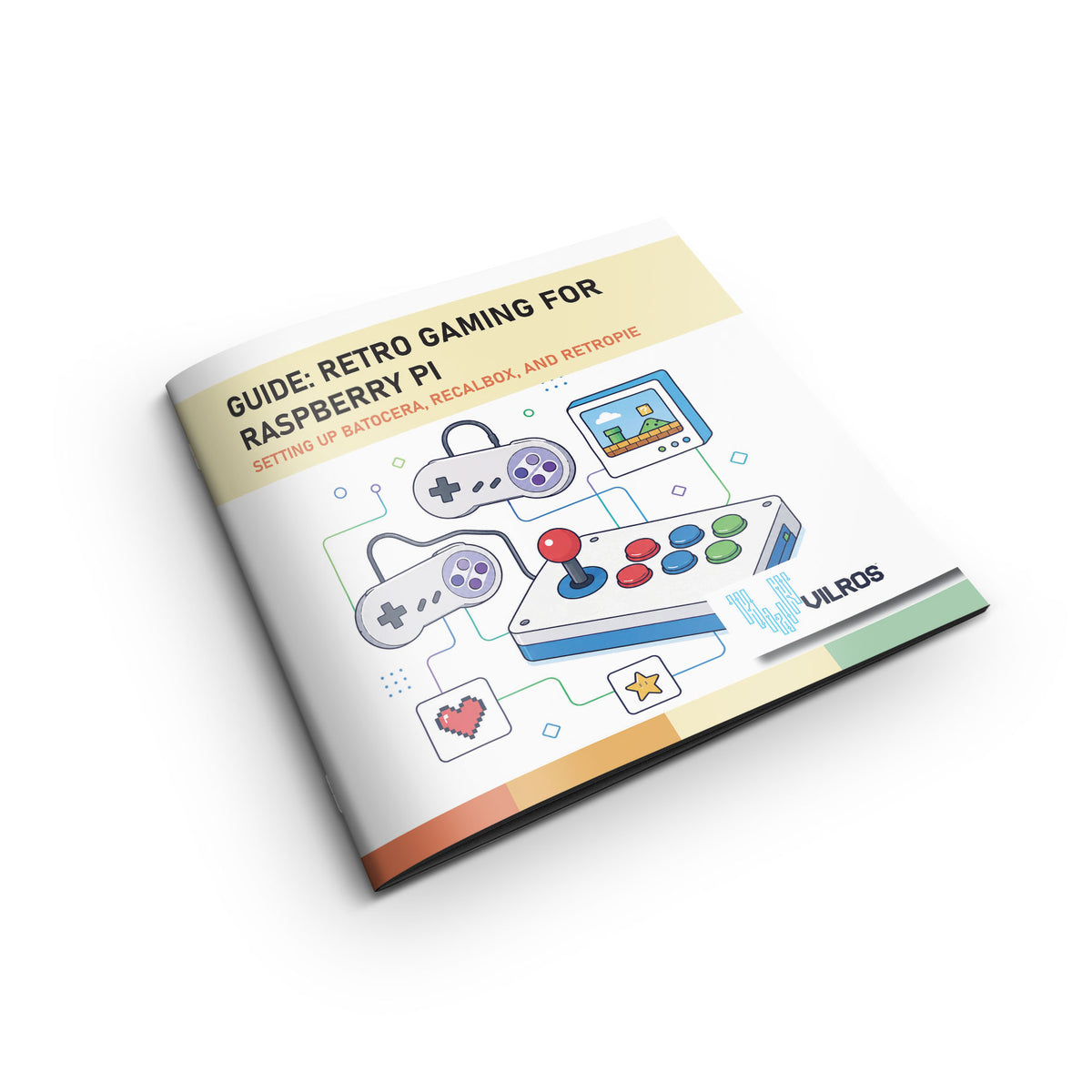
Guide - Retro Gaming for Raspberry Pi
$13.99
Free shipping
30-day returns
·Authorized Raspberry Pi reseller
Tap once to add to cart, then pick your wallet.
In Stock • Free Shipping
Order now to receive it in 4 business days
SKU: VILP365
There have never been more video games available in the world than now. But sometimes, nothing beats the classics. This guide shows you how to use a Raspberry Pi to run three different kinds of emulators so you can get back to your gaming roots.
You Will Learn:
- How to install and configure Batocera
- How to install and configure Recalbox
- How to install and configure RetroPie (Raspberry Pi 4)
- How to connect arcade buttons and joysticks to your Raspberry Pi
- Storing ROMs on a server
SKU:
VILP365
UPC:
810043449540
Warranty & Support
Products manufactured by Vilros are covered by a one-year limited warranty against manufacturing defects from the date of purchase.
Raspberry Pi products are covered by a one-year manufacturer's warranty (link).
Arduino products are covered by a one-year manufacturer's warranty (link).
What’s Covered
- Manufacturing defects in included hardware components
- Power supply and accessory functionality issues
- Missing or damaged items upon delivery
- Technical support for setup and starter guidance
Customer Support
If you believe your product is defective, please submit a warranty claim through the RMA process: https://vilros.com/a/service/returns
After reviewing the claim, Vilros may:
- Provide a replacement product, or
- Issue a refund where appropriate
Beginner-Friendly Confidence
Whether you're learning programming, building electronics projects, creating retro gaming systems, or experimenting with home automation, our support team is here to answer your questions and support your projects!
Description
There have never been more video games available in the world than now. But sometimes, nothing beats the classics. This guide shows you how to use a Raspberry Pi to run three different kinds of emulators so you can get back to your gaming roots.
You Will Learn:
- How to install and configure Batocera
- How to install and configure Recalbox
- How to install and configure RetroPie (Raspberry Pi 4)
- How to connect arcade buttons and joysticks to your Raspberry Pi
- Storing ROMs on a server
SKU:
VILP365
UPC:
810043449540
Warranty
Warranty & Support
Products manufactured by Vilros are covered by a one-year limited warranty against manufacturing defects from the date of purchase.
Raspberry Pi products are covered by a one-year manufacturer's warranty (link).
Arduino products are covered by a one-year manufacturer's warranty (link).
What’s Covered
- Manufacturing defects in included hardware components
- Power supply and accessory functionality issues
- Missing or damaged items upon delivery
- Technical support for setup and starter guidance
Customer Support
If you believe your product is defective, please submit a warranty claim through the RMA process: https://vilros.com/a/service/returns
After reviewing the claim, Vilros may:
- Provide a replacement product, or
- Issue a refund where appropriate
Beginner-Friendly Confidence
Whether you're learning programming, building electronics projects, creating retro gaming systems, or experimenting with home automation, our support team is here to answer your questions and support your projects!
Guides & tutorials
See all →-
 Project · Raspberry Pi
Wii Remote Digital Graffiti
Create digital graffiti art using a Wii remote and Raspberry Pi with motion tracking and drawing capabilities.
Advanced · 60 minutes
-
 Project · Raspberry Pi
Raspberry Pi Piano
Build a working piano keyboard using Raspberry Pi GPIO pins, push buttons, and Python to play musical notes.
Intermediate · 90 minutes
-
 Project · Raspberry Pi
9 Things to Do After Buying a Raspberry Pi
Essential setup and configuration steps for new Raspberry Pi owners, from OS installation to first projects.
Beginner · 60–90 minutes
-
 Project · Raspberry Pi
Build Your Own Robot with Raspberry Pi
Create a cardboard robot with LED antenna and sound effects using Raspberry Pi, perfect for kids and beginners.
Beginner · 45–60 minutes
-
 Project · Raspberry Pi
Build a Portable Bluetooth Speaker
Create your own portable speaker using Raspberry Pi with Bluetooth audio streaming and battery power.
Intermediate · 90 minutes
-
 Project · Raspberry Pi
Build-A-Band with Raspberry Pi
Create your own virtual band using Raspberry Pi, Scratch 3, and sprite-based music programming.
Beginner · 30–45 minutes


